Visit Namina Blog
Showing posts with label Android. Show all posts

Android 8 Oreo Update now Available for Infinix Note 4 and Note 4 Pro

Infinix Note 4 are now receiving Android 8; It was announced a week ago by Infinix. According to the info, Note 4, Note 4 Pro and Zero 5 will receive Android 8 oreo OTA update, but infinix Note 4 couldn’t wait for that date to come before the roll out.
Android 8 Oreo Update now Available for Infinix Note 4 and Note 4 Pro
A lot of users have already received the updates on their

Note 4
, some have installed it while some are yet to install it. Note that there is bound to be a bug at first installation of this update but Infinix will possibly roll out a system update to fix the bug.

Like I said earlier, before you update;
REQUIREMENTS
1. Make sure your device is not rooted otherwise it will get bricked
2. Make sure you have a back up of your current firmware should in case the need arise to downgrade your device if the update contains bugs
3. Ensure your phone battery is atleast 95% charged
4. You need upto or more than 2GB to download the update

HOW TO UPDATE YOUR INFINIX NOTE 4 TO ANDROID 8.0 OTA

✔ Firstly, Go to settings > About > System update. Then search for an update. If an update is available;
✔ Click on download and install
✔ Once download is complete, restart your device & install
✔ Wait for your device to boot into recovery mode and install the update. Do not interrupt the installation process.
✔ Once the update is complete, your Infinix Note 4 X572 will reboot and you’ll have Android 8.1.0 oreo running on your device with the latest version of XOS.


That’s about all the steps involved to update Note 4 to Android 8 Oreo.
Android 8 Oreo Update now Available for Infinix Note 4 and Note 4 Pro

Android Phone Secret Settings to Increase Internal Memory Storage


Increasing Android Internal Storage by using secret hidden settings to increase storage space without SD Card


Android Phone Secret Settings to Increase Internal Memory Storage

Android Secret Code to Increase Internal Memory Storage


Increasing Android Internal Storage by dialing secret code on your Smartphone to show hidden Menu and Settings follow our video step to discover the code only on


Android Secret Code to Increase Internal Memory Storage

How To Boost Android Device Performance To Overclock Phone Speed
As we all know, there could be various factors that are responsible for the slowdown of Android speed. However, the major one is limited CPU clock speed. Therefore, we are going to share a method that will help you to overclock your Android device to boost performance. Go through the post to know about it

How To Overclock Your Android Device To Boost Performance

Overclocking CPU means increasing the CPU switching speed more than the maximum limit and this will boost up your Android performance by fast switching CPU. Moreover, this can be easily done with a cool app that will work with rooted Android. So have a look at complete guide discussed below to proceed.
Note: – Clocking CPU speed much can result in overheating your device and also this process can even damage your processor permanently. So do it at your risk as we will be not responsible for anything happened.

Steps To Overclock Your Android Device To Boost Performance:

Step 1. First of all, you need a rooted Android and for rooting your Android follow the complete guide to Root Any Android Easily.
 Overclock Your Android Device To Boost Performance
Overclock Your Android Device To Boost Performance
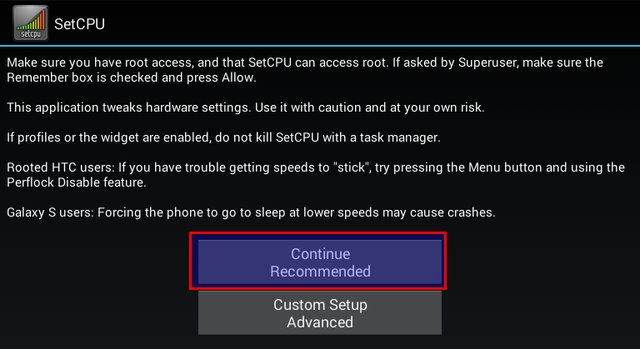
Step 2. Now after rooting your Android, you need to download and install SetCPU for Root Users on your Android device. Now after installing, launch the app and give it Superuser access.
 Overclock Your Android Device To Boost Performance
Overclock Your Android Device To Boost Performance
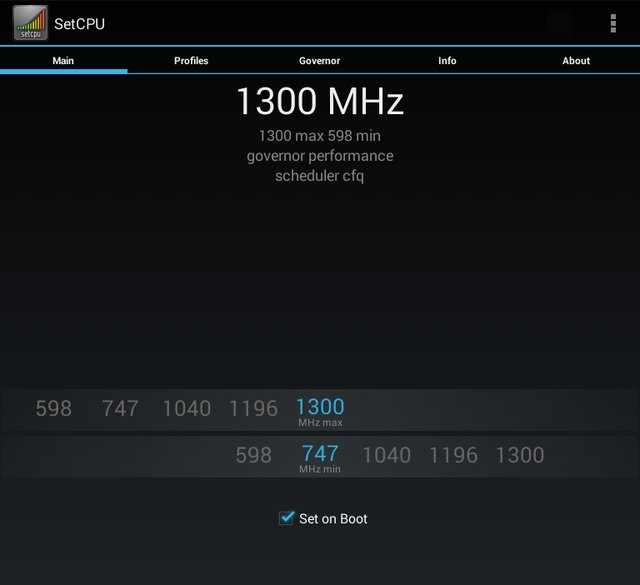
Step 3. Now after this, you have to allow the app to scan the available speeds of a processor. After detection, you have to balance both the minimum and the maximum speed for your Android CPU switching.
 Overclock Your Android Device To Boost Performance
Overclock Your Android Device To Boost Performance
Don’t click on “Set to Boot” until you feel that the speed is stable, as doing this can harm your Android.
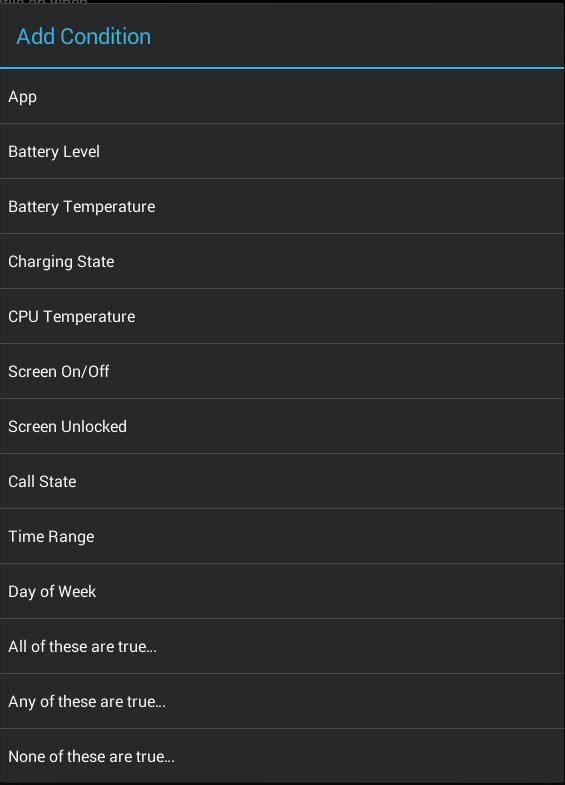
Step4 . Now after this, you will be creating profiles so that you can set the times or conditions when SetCPU should overclock or underclock your processor speed.
 Overclock Your Android Device To Boost Performance
Overclock Your Android Device To Boost Performance
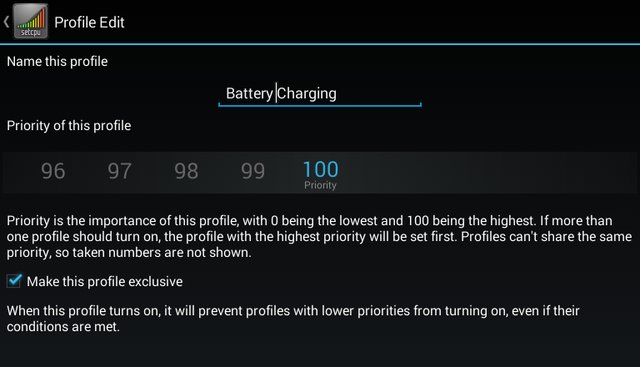
Step 5. I have taken the example of Battery charging, and you can set a profile to overclock your Android device while it is charging. You will be having a choice of various priorities for each created profiles
 Overclock Your Android Device To Boost Performance
Overclock Your Android Device To Boost Performance
That is it! You are done, now your Android CPU is successfully clocked.

Other Apps To Overclock Your Android Device:

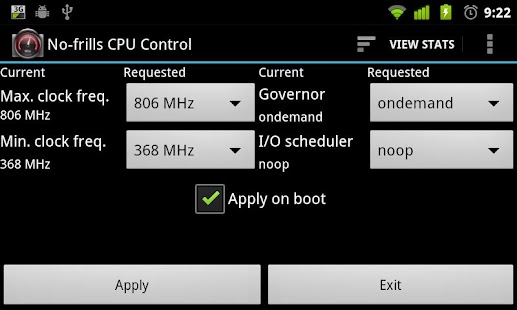
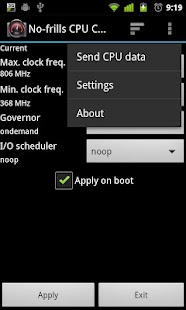
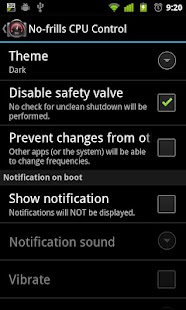
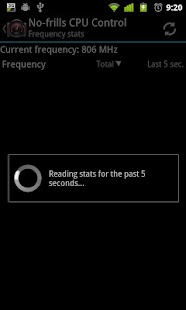
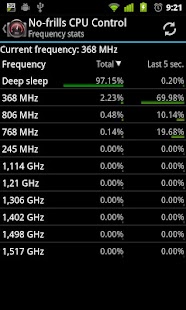
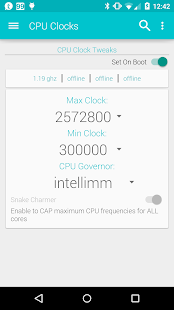
#1 No-frills CPU Control

No-frills CPU Control
Developer: SINÉO
Price: Free
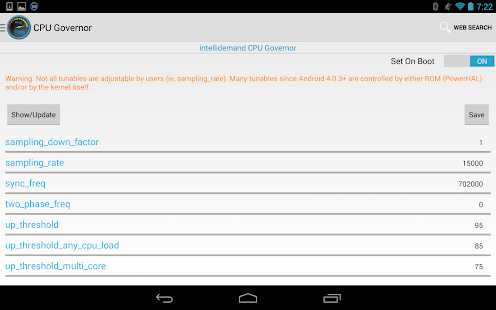
  • No-frills CPU Control Screenshot
  • No-frills CPU Control Screenshot
  • No-frills CPU Control Screenshot
  • No-frills CPU Control Screenshot
  • No-frills CPU Control Screenshot
  • No-frills CPU Control Screenshot
  • No-frills CPU Control Screenshot
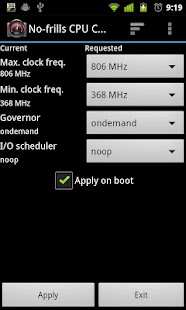
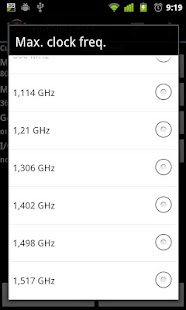
No-frills CPU Control is a tool you can use on your rooted device to quickly set the CPU frequencies and governor to use. It allows you to use the highest frequency your phone supports and gain some precious FPS in your preferred game, or go down to the lowest frequency and gain some more juice when your phone is sitting idle.

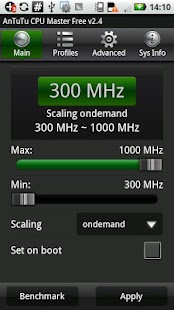
#2 AnTuTu CPU Master

AnTuTu CPU Master (Free)
Developer: AnTuTu
Price: Free
  • AnTuTu CPU Master (Free) Screenshot
  • AnTuTu CPU Master (Free) Screenshot
  • AnTuTu CPU Master (Free) Screenshot
  • AnTuTu CPU Master (Free) Screenshot
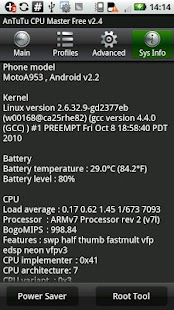
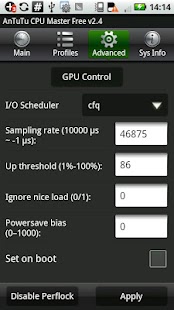
AnTuTu CPU Master is a tool for changing the CPU/GPU speed on a rooted Android Mobile Phone/Pad. It requires root access. CPU Master’s OverclockWidget shows the CPU and battery stats and change the CPU speed faster and simple.

#3 Tegrak Overclock

Tegrak Overclock
Developer: tegrak
Price: Free
  • Tegrak Overclock Screenshot
  • Tegrak Overclock Screenshot
  • Tegrak Overclock Screenshot
  • Tegrak Overclock Screenshot
  • Tegrak Overclock Screenshot
  • Tegrak Overclock Screenshot
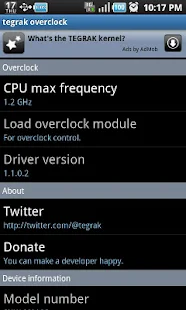
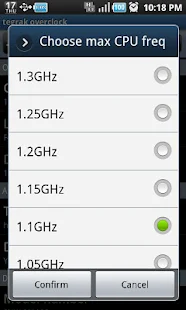
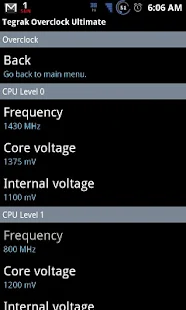
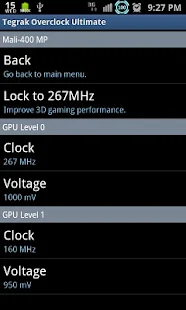
Well, if you need to overclock your Android devices then Tegrak Overclock is yet another powerful tool. You can choose from several CPU frequency levels this app provides. You can even control core voltage, internal voltage, etc.

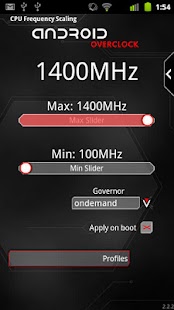
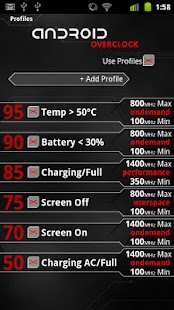
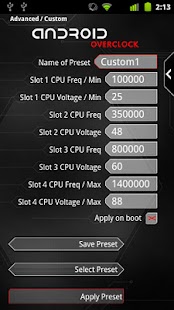
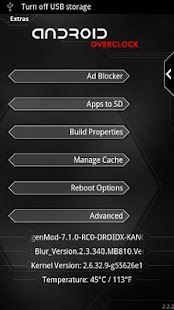
#4 Overclock for Android

Overclock for Android
Developer: JRummy Apps
Price: 3,29 €
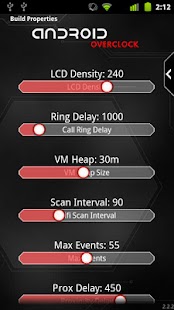
  • Overclock for Android Screenshot
  • Overclock for Android Screenshot
  • Overclock for Android Screenshot
  • Overclock for Android Screenshot
  • Overclock for Android Screenshot
  • Overclock for Android Screenshot
  • Overclock for Android Screenshot
  • Overclock for Android Screenshot
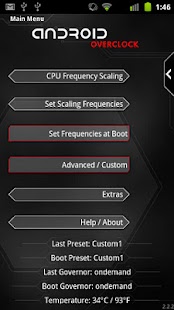
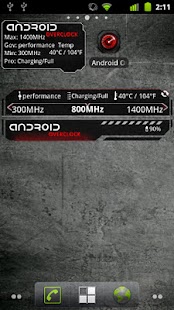
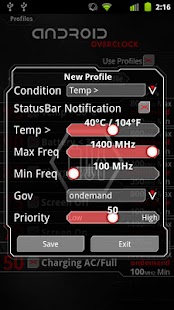
Android Overclock makes your device blazing fast and can save your battery life. It also allows you to set custom profiles, so you have full control over your device performance. Control CPU with profiles for charging, time, temperature, battery, a screen on/off and more.

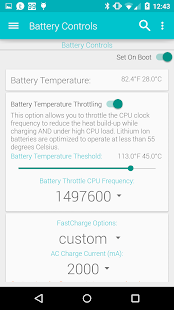
#5 Faux123 Kernel Enhancement Pro

Faux123 Kernel Enhancement Pro
Developer: Paul Reioux
Price: 4,90 €
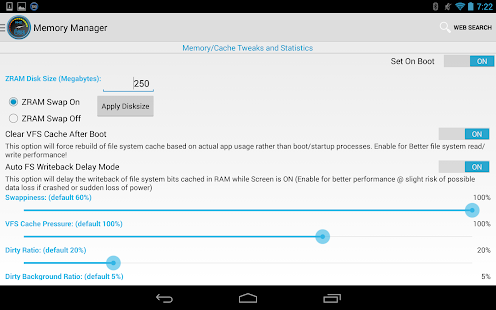
  • Faux123 Kernel Enhancement Pro Screenshot
  • Faux123 Kernel Enhancement Pro Screenshot
  • Faux123 Kernel Enhancement Pro Screenshot
  • Faux123 Kernel Enhancement Pro Screenshot
  • Faux123 Kernel Enhancement Pro Screenshot
  • Faux123 Kernel Enhancement Pro Screenshot
  • Faux123 Kernel Enhancement Pro Screenshot
  • Faux123 Kernel Enhancement Pro Screenshot
  • Faux123 Kernel Enhancement Pro Screenshot
  • Faux123 Kernel Enhancement Pro Screenshot
  • Faux123 Kernel Enhancement Pro Screenshot
  • Faux123 Kernel Enhancement Pro Screenshot
  • Faux123 Kernel Enhancement Pro Screenshot
  • Faux123 Kernel Enhancement Pro Screenshot
  • Faux123 Kernel Enhancement Pro Screenshot
  • Faux123 Kernel Enhancement Pro Screenshot
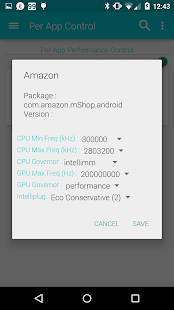
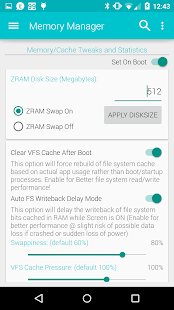
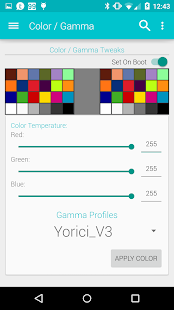
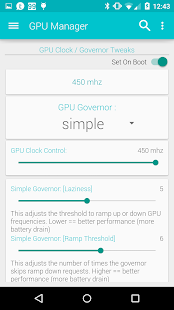
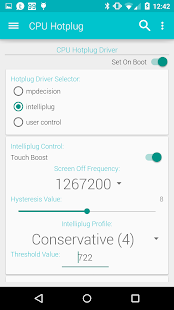
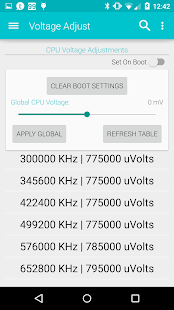
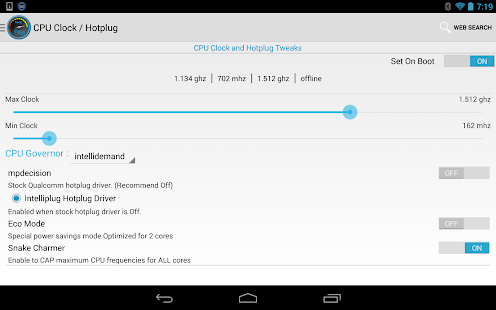
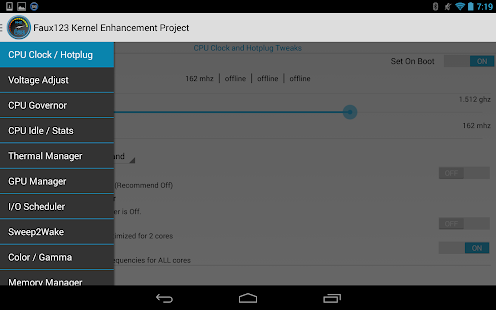
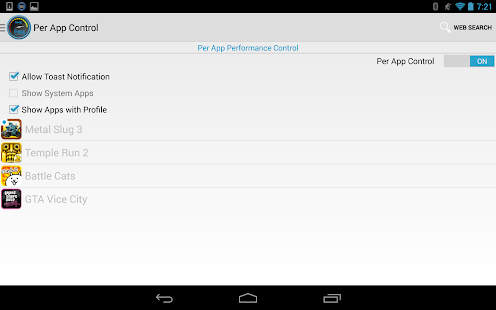
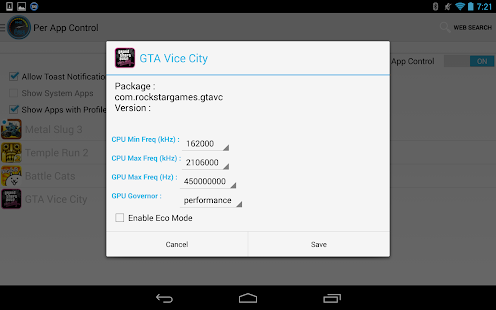
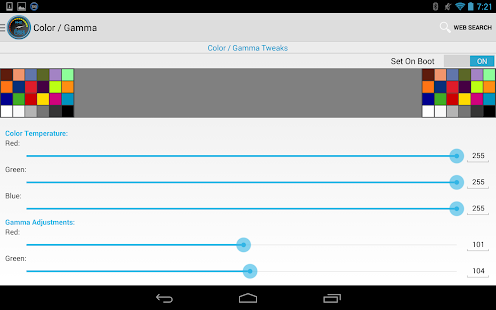
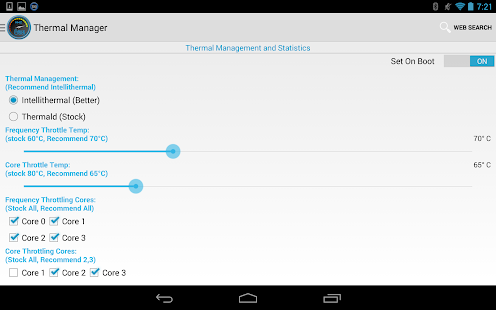
The Faux kernel is another useful app if you want to tweak CPU voltage (Global/individual). This app provides users to control CPU governors, adjustments of CPU Min/Max frequencies and it also displays GPU frequencies in real time.
So above is all about Overclock Android To Boost Performance. This is the real Android hack that will work after rooting your Android that will surely boost up your CPU speed, and you can do multitasking with great ease. Hope you like this cool trick, do share with others too. Leave a comment below if you have any related queries with any of the step discussed above.

How To Boost Android Device Performance To Overclock Phone Speed